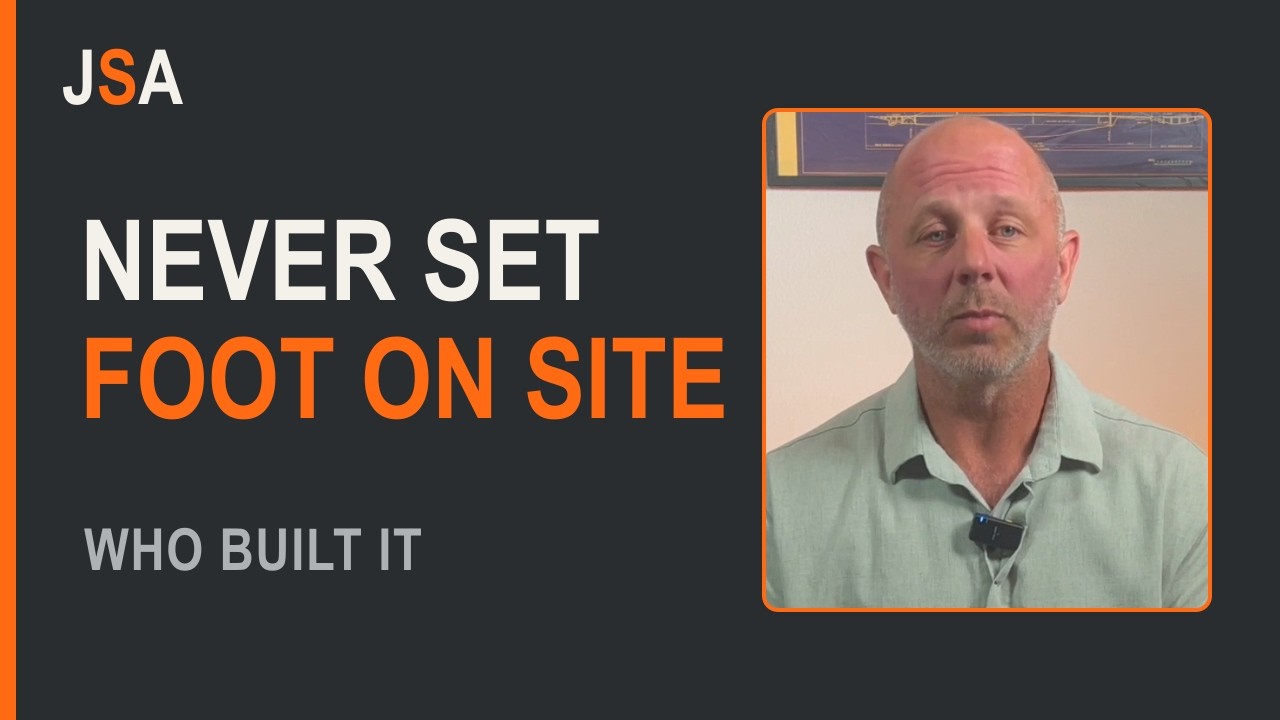

TL;DR: The software handed to contractors was built by people who have never been on a jobsite. I am building my own in public, and giving most of it away.
I have run construction for over thirty years. Hammer in my hand at twelve, a decade as a carpenter, two decades running jobs as a superintendent, and now VP of Operations for a general contractor. Thirty-plus years in the commercial sector, and the whole time, the software we are handed to run these jobs was built by people who have never set foot on a jobsite.
So I am building my own. In public. And I am giving a lot of it away.
What Nobody in a Boardroom Sees
My field guys lose hours every week to paperwork a computer should handle in seconds. Compliance logs. Daily reports. Chasing who submitted what. Superintendents doing data entry when they should be building.
Add it up across a crew, across a year, and it is a full salary, lit on fire. On busywork.
It never appears as a line item, which is precisely why it never gets fixed. There is no invoice for the forty minutes a super spent looking for the current set of drawings, or for the submittal that got reissued because nobody could tell which version was approved. The cost is real and the accounting is invisible, so the problem stays in the category of things everybody complains about and nobody is accountable for.
The Two Options Contractors Are Given
A forty-thousand-dollar platform built for firms ten times our size. Or spreadsheets held together with hope.
The enterprise platform is not bad software. It is software shaped by the buying process of large general contractors — which means it assumes a dedicated administrator, a rollout, a training budget, and a volume of jobs that makes the per-seat cost disappear. Take that away and what is left is a system that costs more in adoption than it returns in order.
The spreadsheet is not bad either, at first. It is the fastest way to get a question answered, which is why it always wins on day one. It loses on day ninety, when there are four copies of it and no way to tell which is current, because a spreadsheet cannot refuse a bad entry and cannot tell you that it has drifted.
What is missing in between is not a feature. It is an opinion — a structure decided once by someone who knows how a crew actually works, that a small company can stand up in an afternoon using the licences it already pays for.
Why I Am Building This in Public
I run operations for a real construction company, and that is my proving ground. Every bottleneck we hit, office or field, I build the automation for it. Live, on camera. Build it, break it, fix it, put it to work.
Building in public costs me the option of looking competent at every step, and that is the trade. You see the dead end I walked into and backed out of. You see the setting that cannot be undone, found the way everybody finds it — by clicking it. A finished tutorial hides the two decisions that actually mattered; a recorded build cannot.
Some of it I give away free. Some becomes a tool you can buy. You decide which, by telling me.
What Gets Built, and in What Order
The order is not arbitrary. Each build assumes the one before it.
First the structure: one team per department, every channel numbered, so that everything built afterwards has an obvious home. That is Microsoft Teams for Construction.
Then the people: one employee record every department reads and one department writes, with validation so a half-finished record cannot be saved — Employee Master List for Construction in Teams.
Then the work: one row per job from the first phone call to the closeout number, in Construction Project Tracking in Microsoft Lists, and then six departmental dashboards off that single list in Six Department Views From One Project List.
Automations come after all of that, and they come last for a reason: an automation fires off a field, so the fields have to be right first. Every shortcut past that order ends with an automation that works perfectly on data nobody trusts.
Why Microsoft 365 and Not a Platform
Because you are already paying for it. If you have Microsoft 365 with Teams, you already have Lists, SharePoint and Power Automate — the three pieces every build on this site uses. Microsoft’s own overview of teams and channels and the Teams channels documentation are the reference for the structure underneath.
There is a second reason, and it matters more over five years: nothing here is a product you can be cut off from. A list you built lives in your own tenant. If I stopped publishing tomorrow, every build would keep running, because none of it depends on me hosting anything.
The honest limit is worth saying too. Microsoft 365 will not do schedule logic, takeoff, or accounting, and anybody telling you otherwise is selling something. It will carry the records those systems argue about, which turns out to be most of where the hours go.
Build-Alongs vs. the Alternatives
| Criteria | Build-alongs in your own tenant | Enterprise construction platform | Spreadsheets | Hiring a consultant |
|---|---|---|---|---|
| Who owns the result | You, in your own tenant | The vendor | You | You, until they leave |
| Cost | Included with Microsoft 365 | Tens of thousands a year | Included | Per hour, ongoing |
| Fits how a small crew works | Built by someone running one | Built for firms ten times the size | Fits anything, holds nothing | Depends entirely on the person |
| Time to first working piece | An afternoon | Weeks of implementation | Minutes, then drift | Weeks of discovery |
| Can refuse a bad entry | Yes | Yes | No | N/A |
| Survives you changing your mind | Yes — you built it | Contract term | Yes | Another engagement |
Frequently Asked Questions
Do I need to be technical to follow along? No. If you can set up a Teams channel you can do every build on this site. I am not a developer; I am a superintendent who kept hitting the same bottlenecks.
Is this a course? No. The episodes are free on YouTube, and every blueprint and checklist on this site is free. Where something becomes a tool worth paying for, I will say so plainly, and it will be a separate thing rather than a wall across the middle of a tutorial.
Will this work for a subcontractor, not a GC? Most of it, yes. The project list needs a field for who you are bidding to, and the lost-reason column gets far more use, because subs bid many more jobs than they win.
What size company is this for? Small to mid-size contractors — roughly the range where there is an office manager but not an IT department. That is the band the existing tools skip.
How do I get you to build the thing that is actually costing me money? Tell me. That is the real ask here. If you run jobs — super, PM, estimator, owner — tell me your worst bottleneck, the thing that eats your Friday. I will build it and show you exactly how.
Why give it away? Because the structure is not the hard part; doing it is. I would rather a thousand contractors run a decent system they built themselves than sell a handful of them a worse one.
Start Here
If you want the whole department structure on paper before you touch anything, the Department Blueprint is free.
If you would rather watch something get built, the episodes are on the channel — start with the employee master, it is the shortest build with the clearest payoff.
Thirty years watching this done wrong. Let us do it right.
Attribution
Written by JD Steinberger — builder of physical and digital things. Thirty-plus years in commercial construction: a hammer at twelve, a decade as a carpenter, two decades running jobs as a superintendent, and currently VP of Operations for a general contractor. Every build published here runs in production first.
Microsoft documentation cited above: overview of teams and channels, Teams channels overview.
Leave a Reply